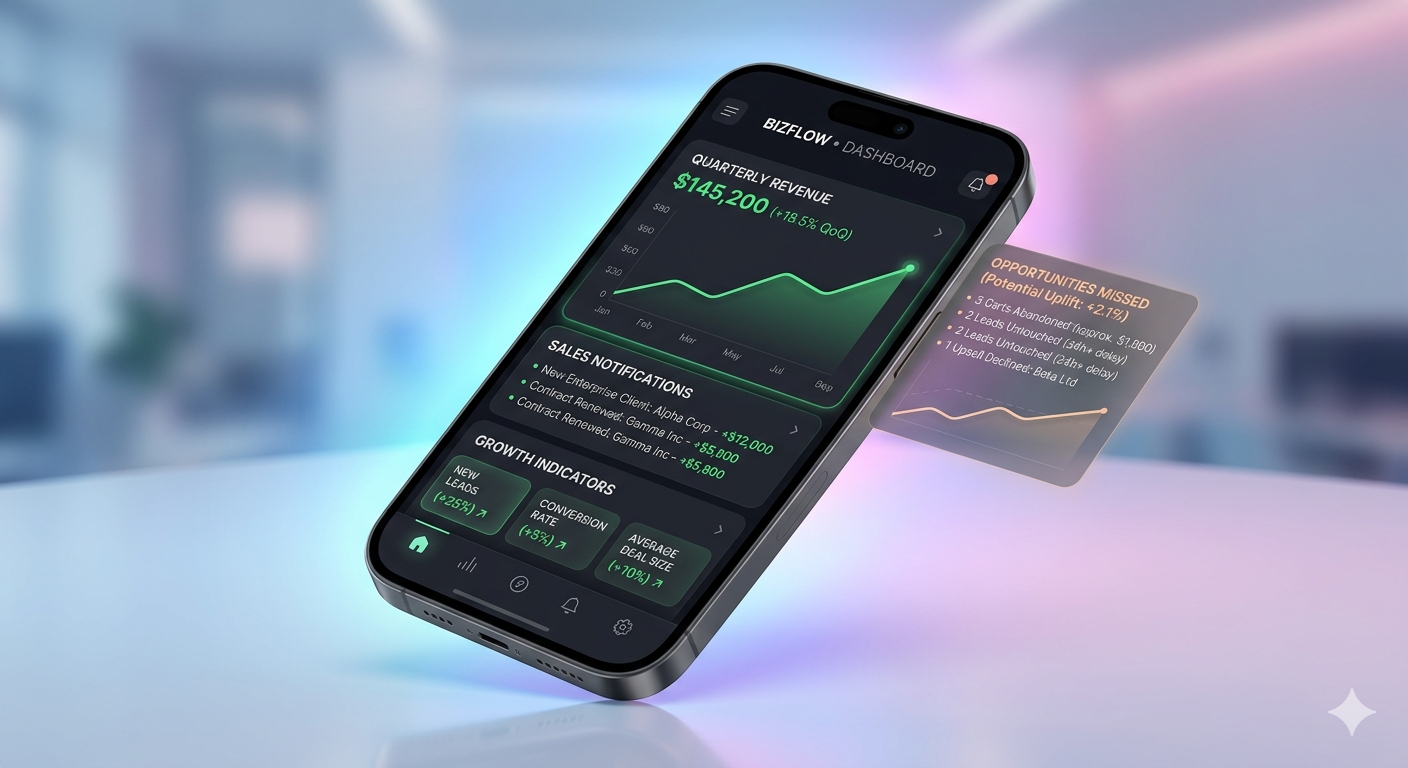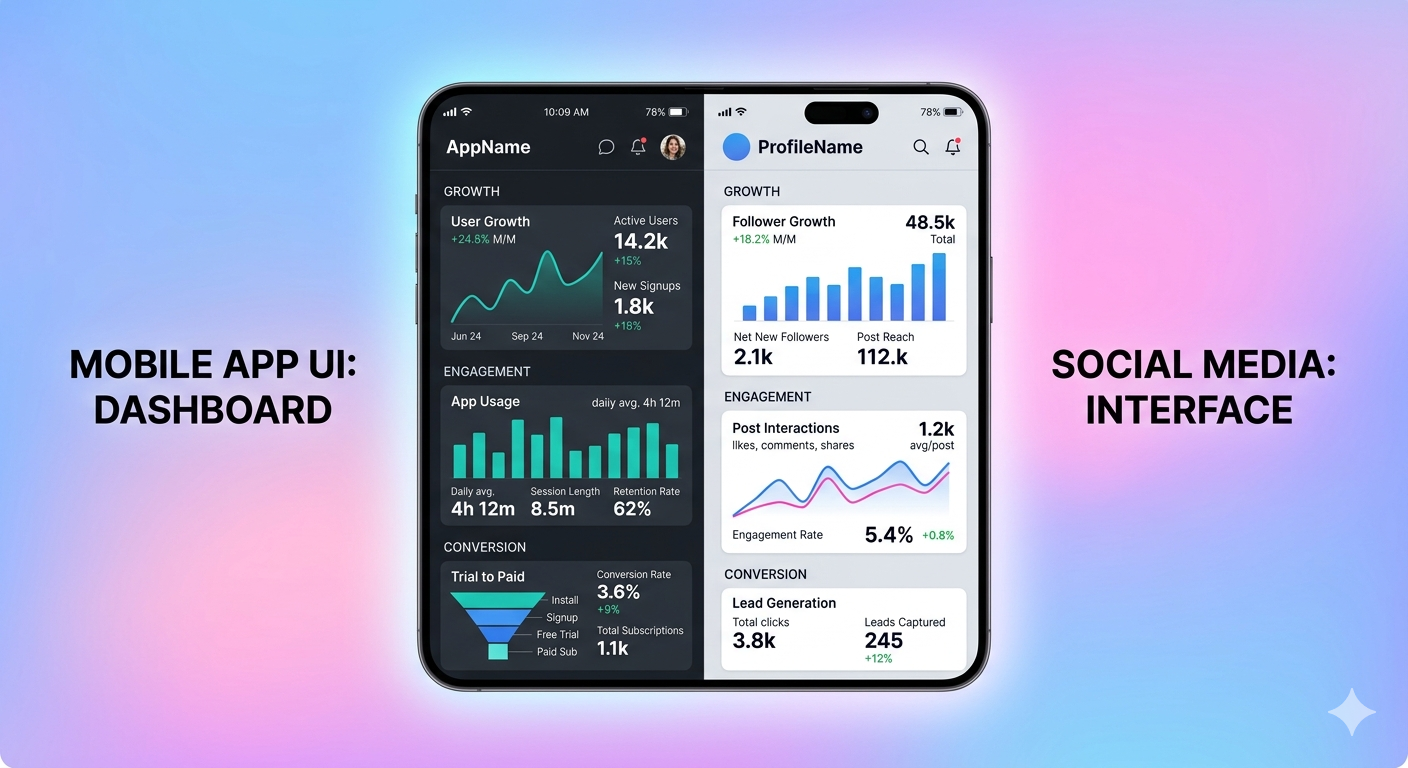
In today’s mobile-first world, having a responsive website is no longer enough. Users prefer apps because they are faster, more engaging, and easier to access. Converting your website into a mobile app can significantly improve user experience, increase engagement, and grow your business.
In this guide, we’ll explain how website-to-app conversion works, its benefits, and what you should consider before building your app.
Why Convert Your Website into a Mobile App?
Turning your website into a mobile application offers several advantages:
- Better User Experience: Apps are faster and more interactive than websites
- Higher Engagement: Push notifications keep users coming back
- Offline Access: Some app features can work without internet
- Brand Visibility: Having an app increases trust and brand presence
- Improved Retention: Users are more likely to stay connected via apps
Different Methods to Convert a Website into an App
There are several approaches depending on your needs and budget:
1. WebView App
This method wraps your website inside a mobile app using a WebView component.
Pros:
- Quick and cost-effective
- No need to rebuild your website
Cons:
- Limited performance and customization
- Depends heavily on website speed
2. Hybrid App
Built using frameworks like React Native or Flutter, hybrid apps combine web and native technologies.
Pros:
- Better performance than WebView
- Cross-platform (Android & iOS)
Cons:
- Requires development expertise
- Slightly higher cost
3. Fully Native App
Developed separately for Android and iOS using native languages.
Pros:
- Best performance and user experience
- Full access to device features
Cons:
- Expensive and time-consuming
- Requires separate development for each platform
Key Features Your App Should Include
When converting your website into an app, consider adding:
- Push notifications
- User login/signup system
- Offline or cached content
- Smooth navigation
- Fast loading speed
- Secure payment integration (if applicable)
Steps to Convert Your Website into an App
- Analyze your website structure and goals
- Choose the right app development approach
- Design a mobile-friendly UI/UX
- Develop and test the application
- Optimize performance and security
- Publish on Google Play Store and Apple App Store
Common Mistakes to Avoid
- Ignoring mobile UX design
- Using slow or unoptimized websites
- Not testing the app properly before launch
- Overloading the app with unnecessary features
- Poor navigation structure
Useful External Resources
- Google Play Console: https://play.google.com/console/about/
- Apple Developer Program: https://developer.apple.com/programs/
- Flutter Framework: https://flutter.dev/
- React Native: https://reactnative.dev/
Final Thoughts
Converting your website into a mobile app is a powerful step toward expanding your digital presence. Whether you choose a simple WebView app or a fully native solution, the key is to focus on performance, usability, and user engagement.
If done correctly, a mobile app can help you reach more users, improve retention, and grow your business significantly.